Your inbox goes quiet on a Thursday afternoon, and at first you assume your Wi-Fi dropped. Ten minutes later, Slack or texts light up from teammates asking if Exchange is dead too.
That exact chain reaction played out across at least 74 countries from November 12 to 14, 2026, when a massive Microsoft outage knocked out Outlook mailboxes, Teams features, Copilot, and connected cloud tools for roughly 24 hours. Days later, Microsoft President and Vice Chair Brad Smith told CBS News’ Face the Nation that businesses and everyday users shouldn’t treat this as a one-off fluke. More disruptions are likely over the coming months because companies worldwide are racing to patch software flaws and overhaul ageing infrastructure at the same time. In related updates, we also covered: Why Neighbors Everywhere Are Fighting Data Centers Right Now.
Honestly, the real story isn’t just that Outlook broke. It’s that fixing our brittle digital plumbing while attackers move faster with AI creates a pressure cooker where routine upgrades can trigger unexpected chain reactions.
What Actually Broke During the November Microsoft Outage
Let’s clear up the biggest misconception first. There was no cyberattack, and AI didn’t go rogue and take down Outlook. CNET has analyzed this fascinating subject in extensive detail.
According to Microsoft’s incident disclosures—including updates from Charles Lamanna, executive vice president of Copilot, Agents and Platform, and follow-up reporting by outlets like GeekWire and The Guardian—the failure came down to a collision of three separate factors:
- A months-old latent bug: A software update deployed in July 2026 on network gateway servers introduced a hidden lock contention flaw. Under heavy load, internal threads competed for the same locked resources, causing servers handling secure connections to stall and stop responding.
- Reduced capacity going in: Starting around November 11, an unrelated technical issue left roughly 14% of gateway server capacity unavailable, shrinking the safety margin before traffic even spiked.
- Traffic redirection and cascading load: On November 12, Teams traffic automatically shifted toward gateways shared with Exchange, pushing overloaded nodes past the brink. At peak impact, more than 80% of gateway servers were unresponsive, and reconnecting servers kept failing again when hit with renewed load.
That detail about lab testing matters a lot to anyone who has ever run production systems. Software can run fine for over three months in the wild until a specific mix of traffic, load, and hardware state exposes a flaw that lab environments didn’t replicate.
Why Microsoft Warns More Disruptions Are Ahead
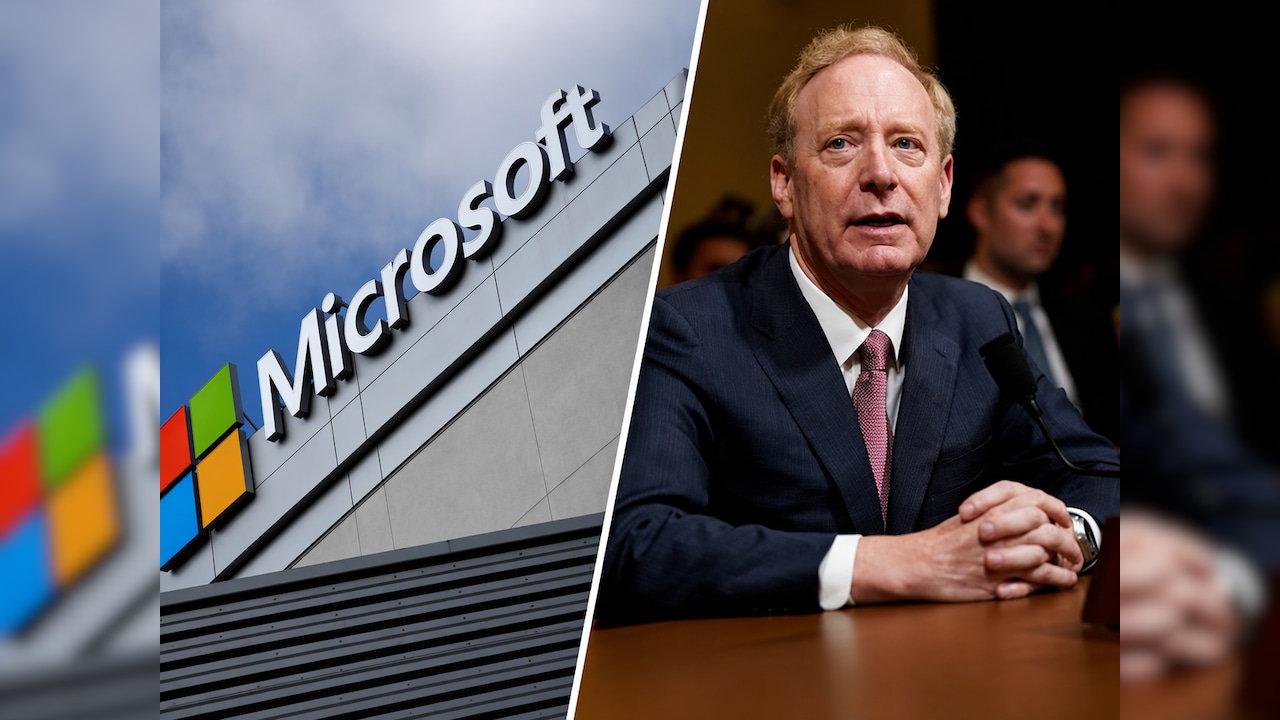
When Brad Smith spoke on Face the Nation on November 22, 2026, he wasn’t predicting that Microsoft’s entire cloud is about to melt down every week. He was pointing at a structural bottleneck across the global economy.
"I think we have to be prepared, frankly, for the coming months because this isn't the type of thing that just gets done in a couple of weeks," Smith said, noting that global information infrastructure is effectively undergoing a massive upgrade wave.
Here’s why that wave makes future outages more likely:
AI Speeds Up Bug Discovery—and Forces Faster Patches
AI tools make it easier to spot vulnerabilities in code. That helps defenders, sure, yet it also lets attackers find weaknesses faster and weaponize them sooner. When a flaw is actively being exploited in the wild, IT teams can’t afford a leisurely six-week QA cycle. You push the patch quickly, and rushed changes carry higher odds of breaking something adjacent.
Legacy Systems Clash With Modern Code
Many banks, hospitals, courts, and government agencies still run on layered, older infrastructure stitched onto cloud services. Slapping modern security patches or new integrations onto ageing systems often creates weird edge cases that nobody anticipated.
Shared Dependencies Turn Small Glitches Into Big Outages
Modern enterprise stacks are tightly wired together. When email, identity, messaging, and AI assistants rely on shared gateways and APIs, a single bottleneck ripples outward. During the November incident, disruptions showed up across courts, local agencies, businesses, and even connected tools that depend on Microsoft services. Some estimates, such as figures cited from the Anderson Economic Group, put potential economic productivity losses in the billions.
Is This a Cyberattack, or Just Growing Pains?
People naturally jump to "hacker" whenever something big goes dark. It’s familiar, dramatic, and easy to picture.
In reality, most of the nastiest disruptions I’ve watched over the years—and seen analyzed in post-mortems—weren’t nation-state espionage. They were mundane engineering collisions: an old change meeting a new load profile, a failover path that doubled the traffic on a weakened tier, or a safeguard that amplified retries instead of shedding load.
That said, treating a non-malicious outage as harmless would be a mistake. When systems go down, teams improvise, alerts get missed, and manual workarounds creep in. You don’t need a hacker in the network for downtime to hurt real people.
What IT Teams and Everyday Users Get Wrong
When an outage hits, two bad habits show up over and over.
First, teams treat preventing every bug as the entire strategy. You can’t test every possible traffic combination in advance—Microsoft’s own final report noted updates to lab parity slated into early 2027 alongside nearer-term fixes. Limiting the blast radius and isolating components matters just as much as writing cleaner code.
Second, organizations freeze updates out of fear after a bad week. Skipping security patches because you’re nervous about glitches leaves known holes wide open. The trick isn’t refusing to patch; it’s staging rollouts carefully, monitoring health checks closely, and keeping rollback paths tested.
For individuals and small businesses, the mistake is assuming your primary email and chat app will always be reachable. If your entire client workflow depends on one login and one inbox without a backup phone tree, SMS channel, or offline copy of critical contacts, a 12-hour hiccup feels like a crisis.
Practical Next Steps to Protect Your Workflow
You don’t need a Fortune 500 budget to make your setup less fragile against the next Microsoft outage or cloud hiccup. Start with a few concrete moves this week:
- Keep an out-of-band communication channel: Maintain a current list of key contacts, vendors, and team leads outside your main work email—such as mobile numbers, signal/SMS groups, or a secondary communication tool—so coordination doesn’t stop when mail stalls.
- Audit single points of failure: Check which critical tasks break if your primary email, calendar, or cloud drive goes read-only for a day. Export or sync essential schedules and reference files locally where policy allows.
- Don’t skip security patches, just stage them: Keep installing updates promptly to close known vulnerabilities, while rolling changes out in smaller rings or batches on critical internal systems so you can spot anomalies early.
- Practice a 30-minute outage drill: Walk your team through what to do when a core service degrades—who checks official status pages, how customers get notified, and which tasks wait versus switch to manual backup.
- Check service credits and SLA terms if impacted: If your business suffered qualifying downtime under a Microsoft 365 plan, review your tenant’s service health records and billing terms before applicable claim windows close.